April 2026
The parent portal: a child's sessions and progress, seen from home
What changed
An early version of the parent portal existed from launch. In March and April 2026 it was reorganised: a new menu, a home page that shows the family what concerns them directly, and a rebuilt sign-in, using the code from the clinic. It has kept growing since. Below is what a parent sees today.
How the parent signs in
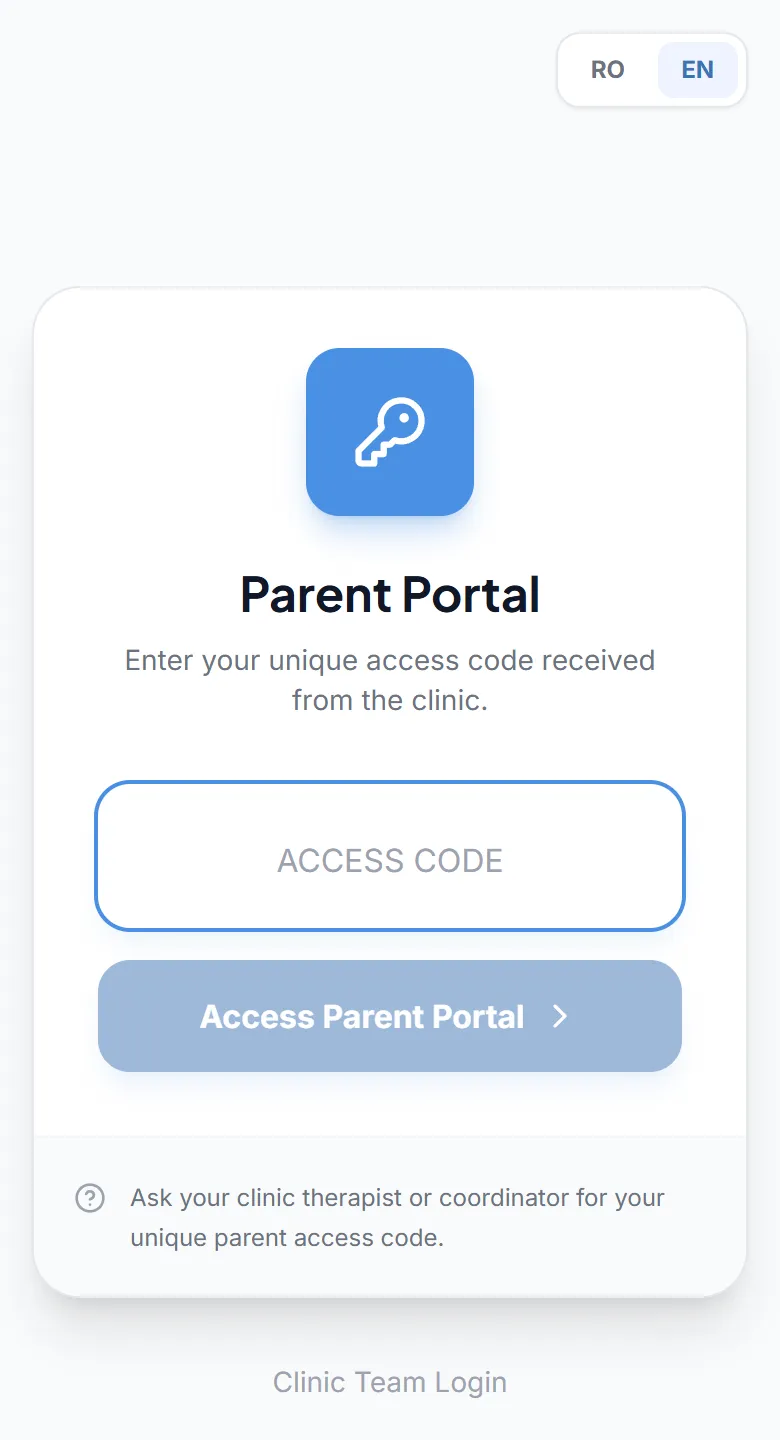
The clinic generates an access code from the child's record and gives it to the parent, or sends a link that contains the code. The parent opens the portal in a browser, on a phone or a computer, enters the code and signs in, with no account and no password. From the link, they go straight in.
If the child's record does not yet have billing details, the parent is asked to fill them in when signing in, so no one has to ask for them over the phone later.
What they see
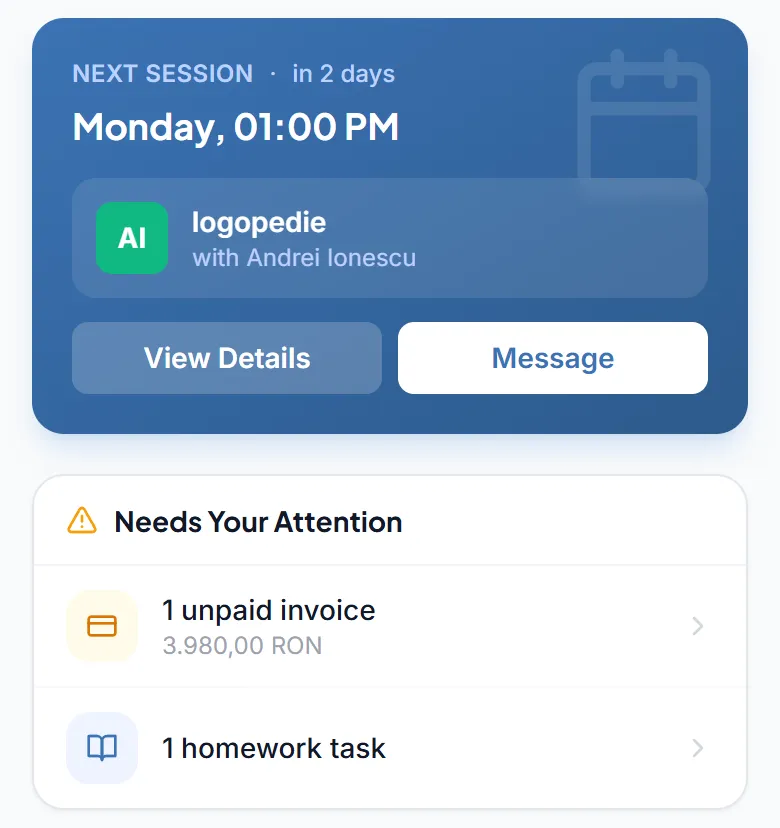
- Home: the next session and its therapist, what is waiting for a response (unpaid invoices, homework, unread messages) and the current month: sessions done, attendance, sessions left.
- Schedule: sessions by day, with the therapist and the length of each one.
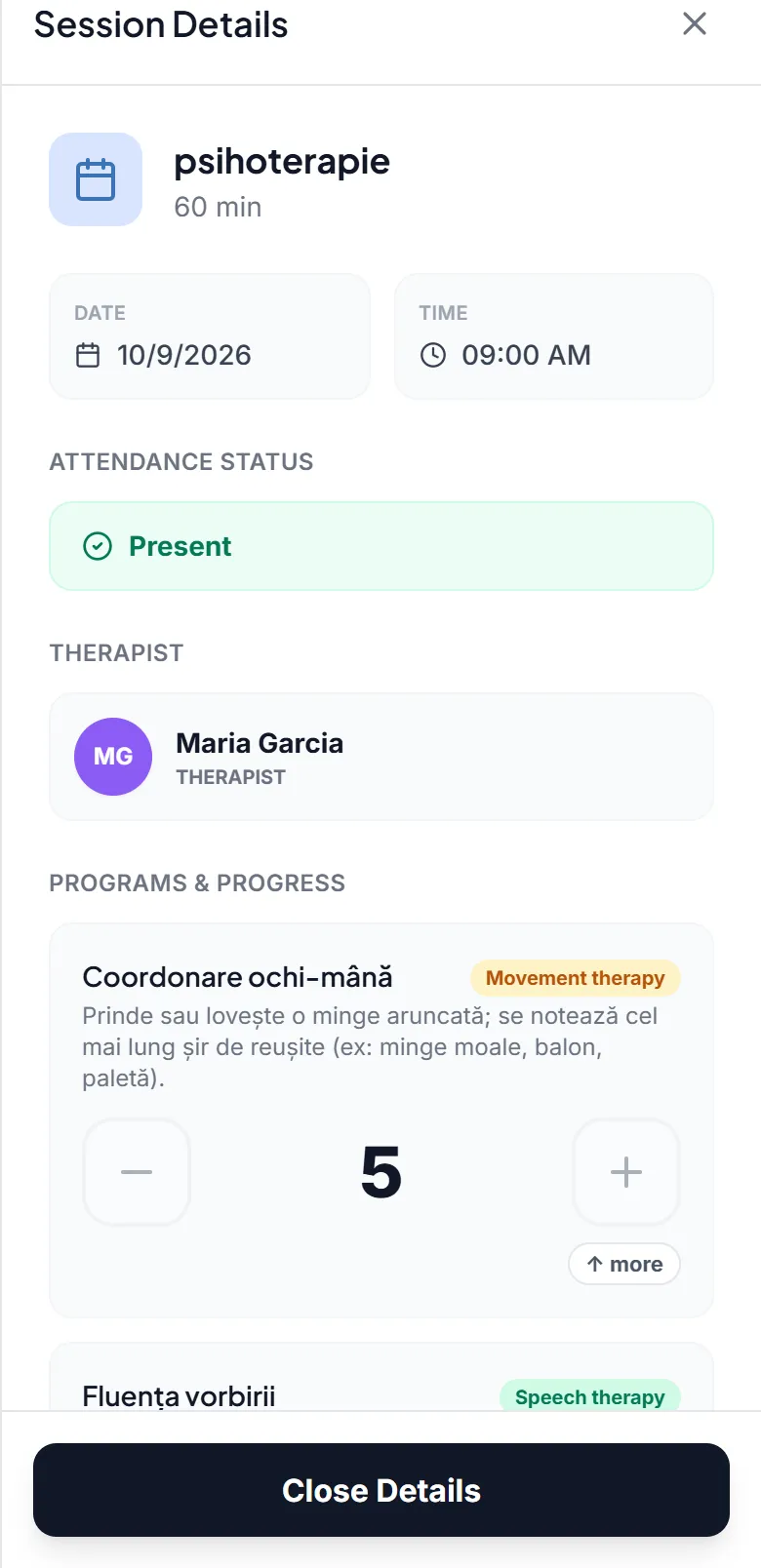
- Each session: attendance, the programmes worked on and their scoring, the notes, the voice notes and the clips the therapist chose to share.
- Progress: the same view of progress that the clinic sees, for each programme, with the option to choose a therapy.
- Goals: the ones from the intervention plan, each with its own status.
- Homework: the parent marks it as started or done and leaves a note for the therapist.
- Documents: the files and monthly reports the clinic has shared.
- Billing: the status of each invoice, ready to download, plus bank transfer details, if the clinic has added its bank account.
- Messages: conversations with the clinic team, for example with the child's therapist.
Notes reach parents
Notes written during a session, including those on each programme and each goal, appear to the parent in the session record. There is no hidden note, kept for the team only. So write them as a message the family will read: clearly, without internal shorthand and without anything that needs discussing face to face first.
For clips, voice notes, documents and reports, the clinic chooses what to share. Notes all get through.
Notifications and language
The parent gets a notification when a session is booked, moved or cancelled for them, and when an invoice, a piece of homework, a document or a shared clip appears. Notifications can also reach their phone, if the parent turns them on from their profile.
The portal is in Romanian or English, by the parent's choice, independent of the language the team works in.
For the clinic
A parent who can see sessions, notes and progress has fewer reasons to ask, at every handover of the child, how things went. The conversation at the door can stay for what really matters, and messages about the child stay in the app, not on the therapist's personal phone.